You see these simple links all over the place - "click here", "read more", "details" - so it must be a good practice, right? In reality, while not officially an accessibility violation, there are all sorts of downsides to these links.
Problem 1: It puts emphasis on mouse mechanics over other forms of input
Not everyone uses a mouse. People on phones, using keyboards for input, or using assistive devices, may not have a direct analogy to "click". People already know what they have to do to use a link anyway.
Problem 2: it's bad for search engine optimization (SEO)
Search engines use the words in your link to help determine what pages should show up when a user searches for those terms. By using "click here", you've given the search engine nothing to work with.
Problem 3: it makes it hard for users to skim to find what they want
There's no getting around the fact that people skim pages looking for what they want, as opposed to reading them thoroughly. Giving your links ambiguous names is only going to frustrate those users, particularly if there are multiples on the page. For example, using "click here" links beside two different download types does little to make it obvious at a glance what is happening. Making the link represent what you're actually getting, and maybe adding in a descriptive heading, allows users to quickly find what they're looking for. (It can also be helpful to more fully describe what they're getting.)
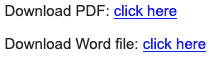
This bad example uses "click here" links for file downloads in two different formats, without explaining what is contained in the file being downloaded.
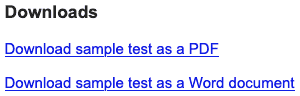
This good example uses a heading to make it easy to find the downloads on the page, and the links to the files describe both what is expected to happen when a user visits the link (a download) and what the contents of the file are (a sample test).
Problem 4: they can be confused for a phishing attempt
On sites with ads, many less scrupulous advertisers have taken advantage of the fact that "click here" links are all over the place by adding "click here" links to their ads, that can be hard to distinguish from links that actually belong to the site. As a result, people may be wary of links that look too generic.
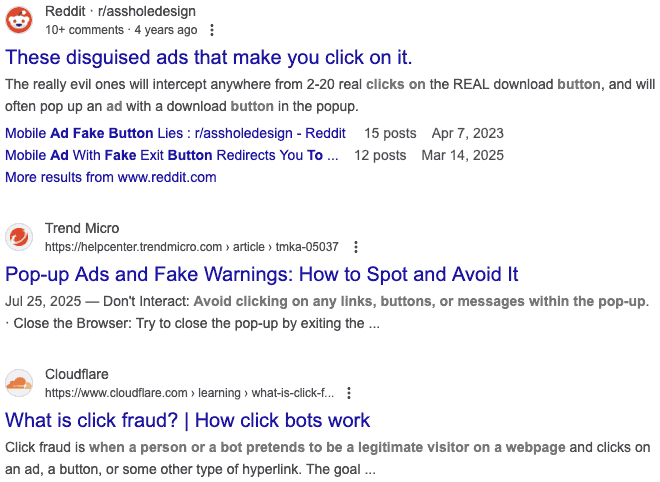
A quick search for "fake click here buttons ads" shows lots of results.
Checking your site for "click here" links
As you are authoring content, you can check for "click here" links in a couple of different ways.
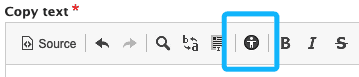
When you're inside the visual editor (e.g. in a copy text block), you can click the "check accessibility" button, which will identify accessibility issues within your content, including "click here" links.
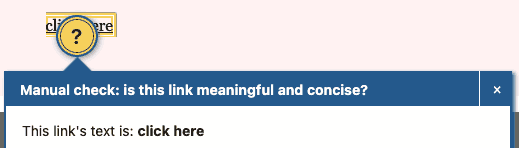
When you're on a page, the Editoria11y accessibility checker will identify accessibility issues with the whole page, again including "click here" links.
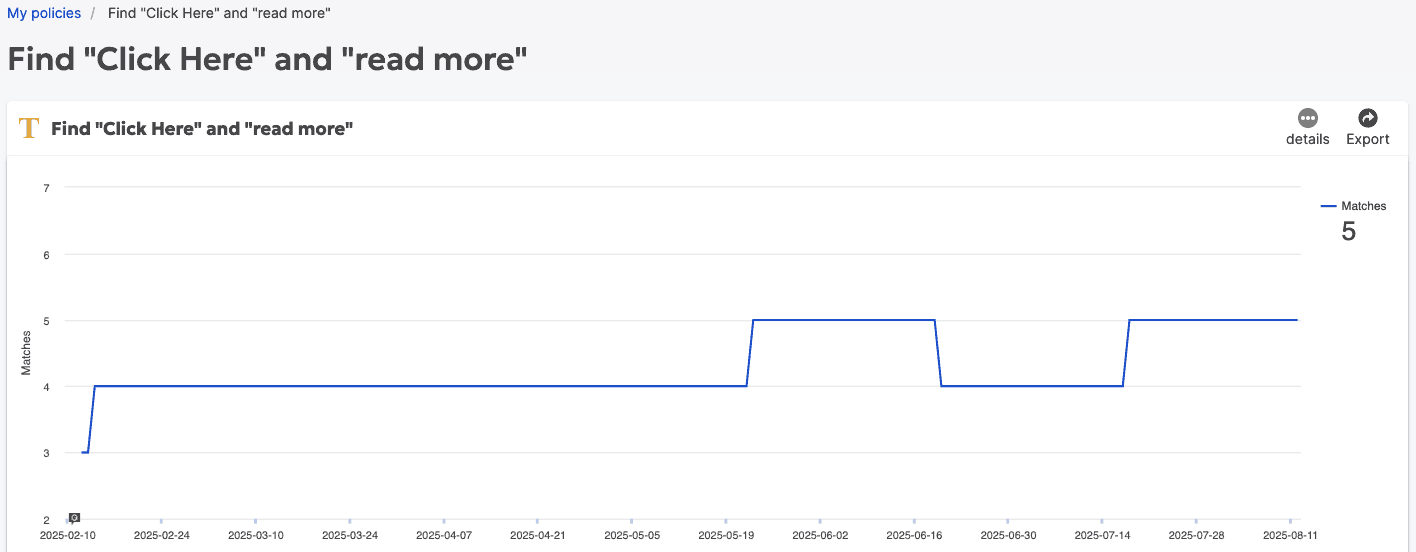
Additionally, if you have access to SiteImprove, there is a policy available to check the indexed content for links with the label "click here" or "read more".
Further reading
- “Why your links should never say 'click here'”, Smashing Magazine
- “'Click here' isn’t enough context for hyperlinks”, Bureau of Internet Accessibility
- “The endless search for ‘here’ in the unhelpful ‘click here’ button”, getstark.co