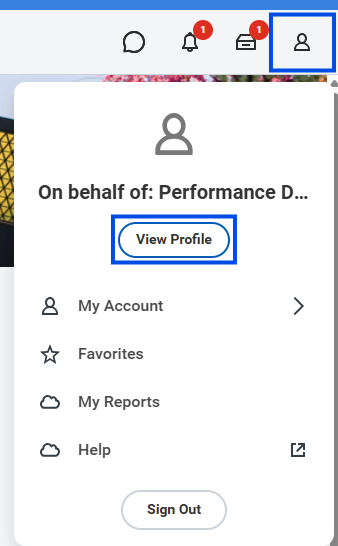
- On the Workday homepage, click on your Profile and then View Profile.
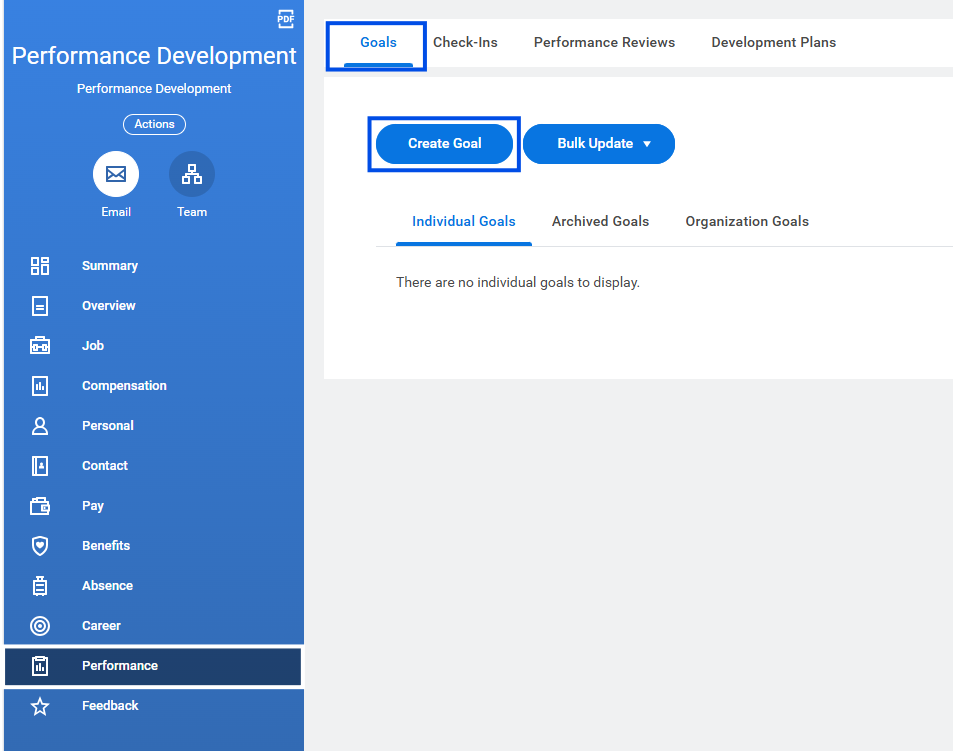
- From the blue menu, click on Performance > Goals > Create Goal.
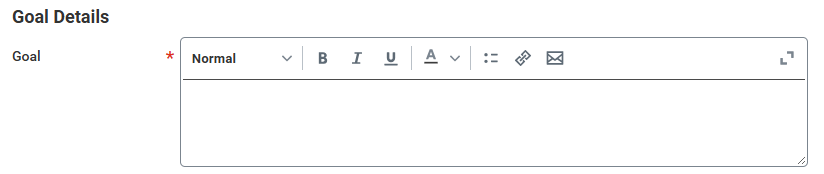
- Enter a clear goal name. (Optional) Add a brief description.
- Select a Status for the goal.
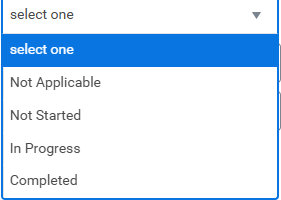
- Choose a Category for the goal.

- (Optional) Select the Organization Alignment from the drop-down menu.
- Enter the Due Date.

- Click Submit to save.
Note: To view saved goals, navigate to the Individual Goals tab
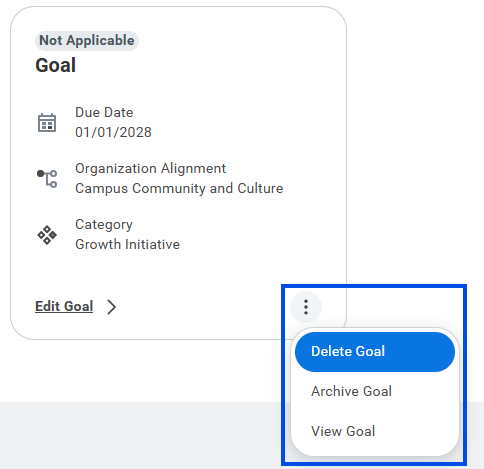
- To Edit a goal, Click Edit Goal to make changes.
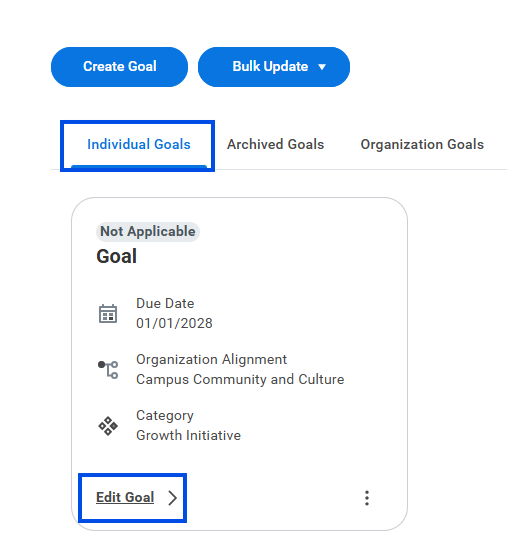
- For further actions, use the ellipses (three dots) which gives you the option to delete, archive or view the goal.