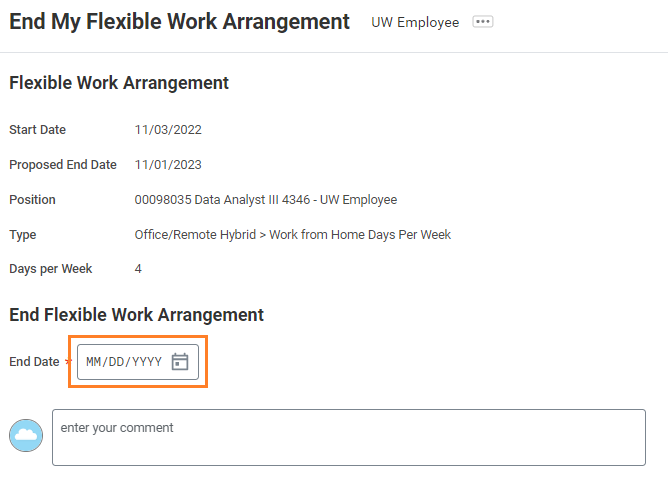
The following steps will guide you through how to end your existing Flexible Work arrangement. You will only need to do this if you are ending the arrangement earlier than the originally planned end date.
- From the Workday home page, click the Employee Profile icon from the top right of the screen.
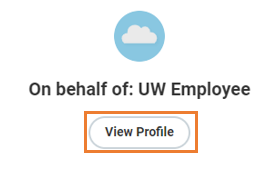
- Select View Profile.
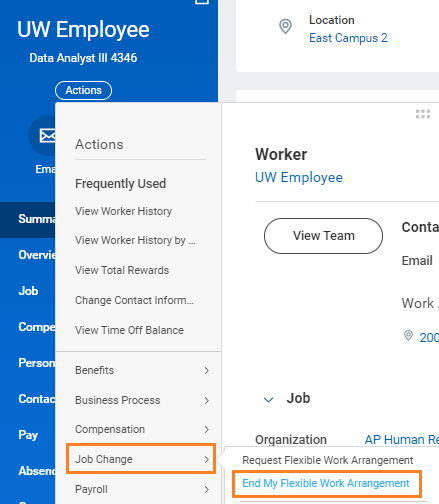
- From the Actions menu of the worker profile, hover over Job Change, then select End My Flexible Work Arrangement.
- Fill in the End Date and click Submit. Your work from home arrangement has now been ended in the system.