Part-time employees may elect to waive their participation in the University’s health and dental benefits plan when they have alternative benefits coverage under another plan. Proof of alternate benefit coverage must be provided in Workday
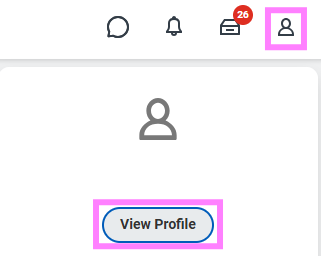
- At the top right of the Workday screen, click the profile icon and click View Profile.
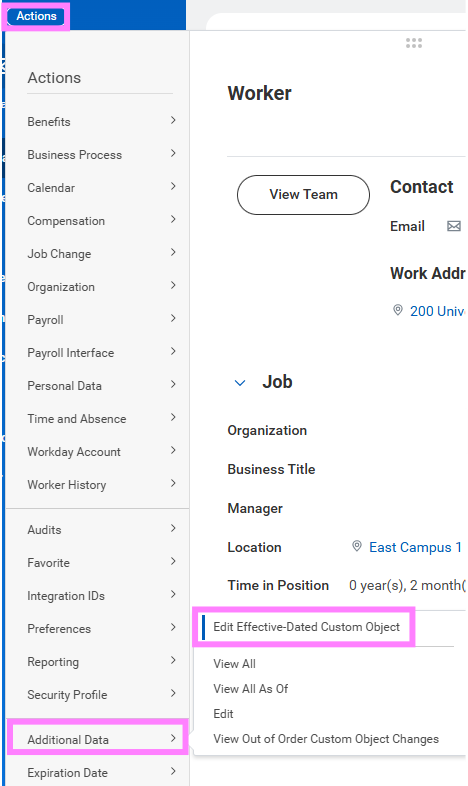
- Select the Actions button under your name and hover over Additional Data to select Edit Effective-Dated Custom Object.
- Enter the effective date of this change in the Effective Date field and click OK.
Note:This will be the date you waived extended health or dental benefits
- Click the Edit Additional Data option in the pop-up window.
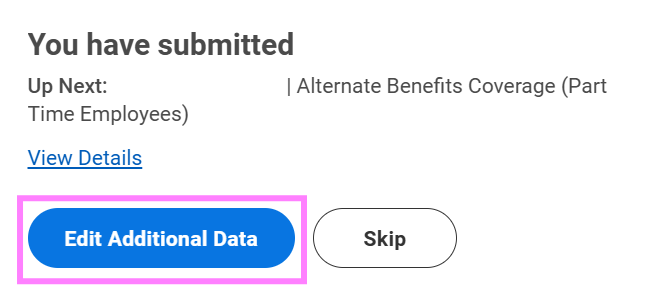
Note: If the pop-up window is no longer on the screen, the Alternate Benefits Coverage (Part Time Employee) task will be in your Workday inbox. Complete and submit it from there.
- Indicate the alternate benefits coverage provider and policy number for each of the waived benefit plans:
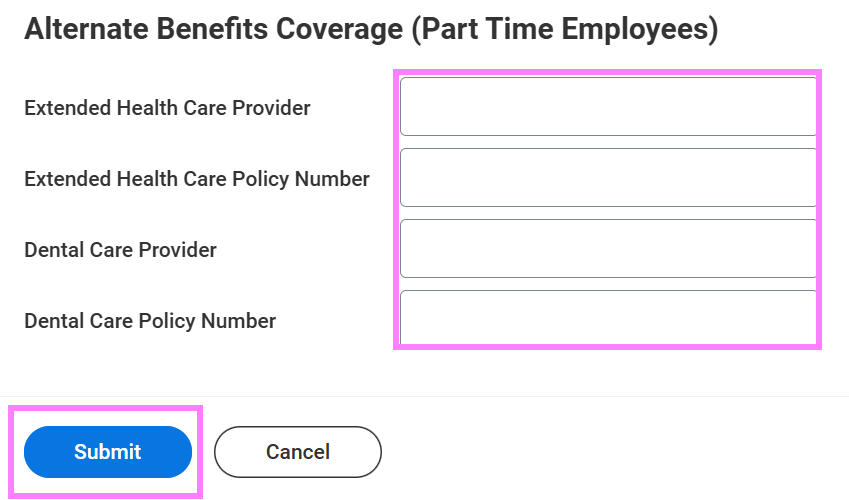
- Once complete, click Submit.