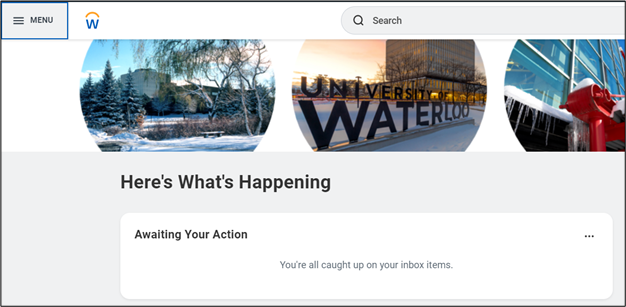
- On the Workday homepage, click MENU to go to the Learning application.
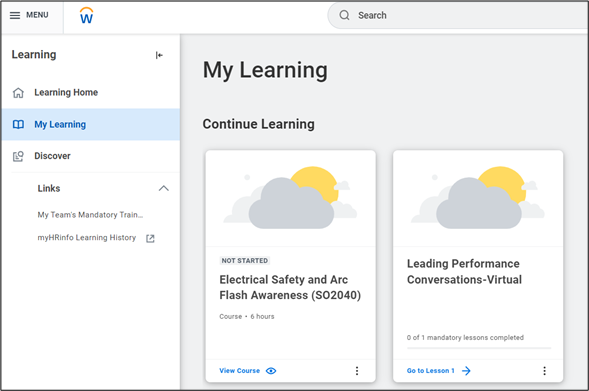
- Select My Learning and select the course to drop
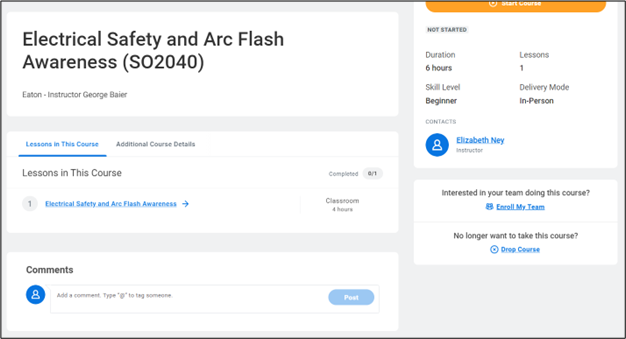
Note: You can only drop a course prior to the start of the course.
- Scroll down the page to see Drop Course
- Provide a reason.
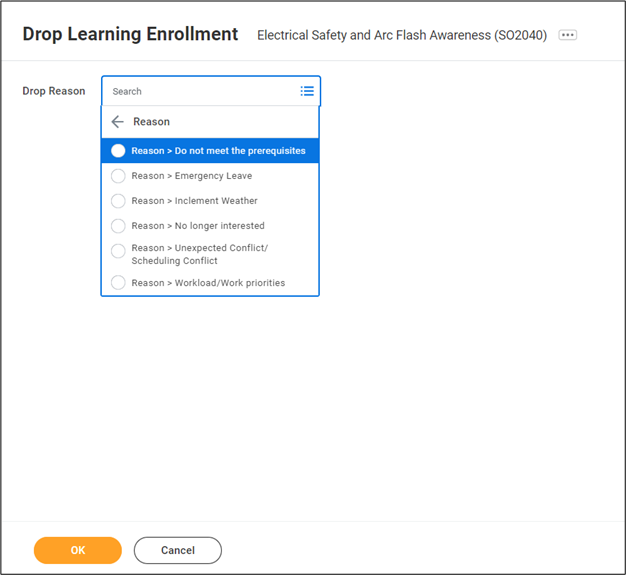
- Click OK
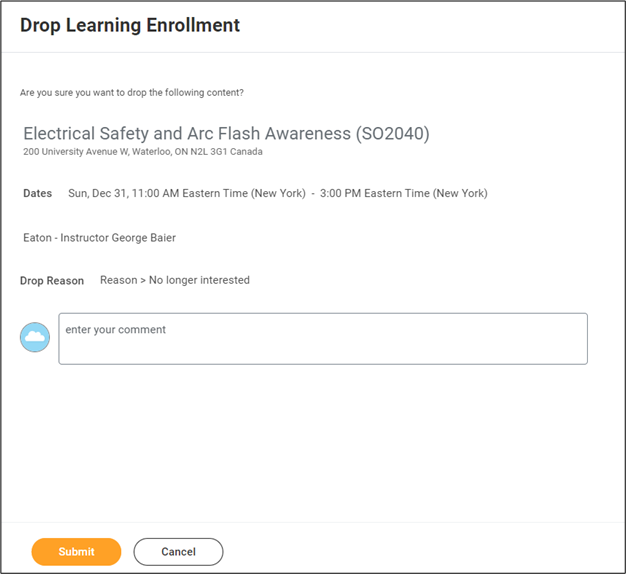
- Confirm by clicking Submit then Done.