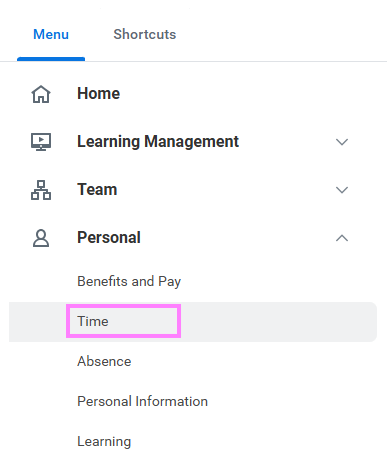
- On the Workday homepage, click View All Apps and go to Time under Personal.
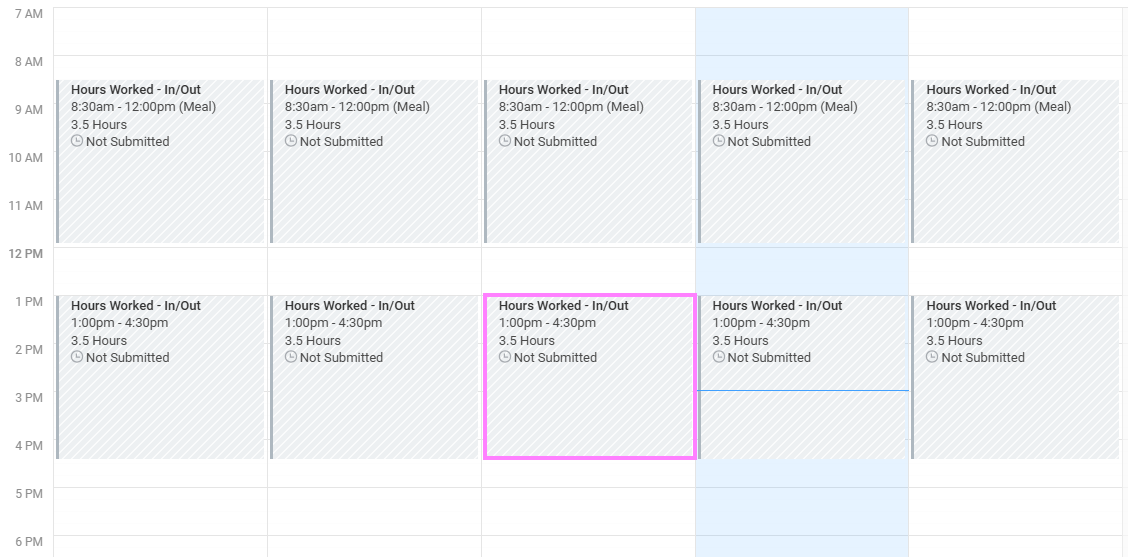
- Click This Week, Last Week, or Select Week under Enter Time to access the Time Entry calendar.
- Select a time block to view detailed information about your time entry.
- Click View Details.
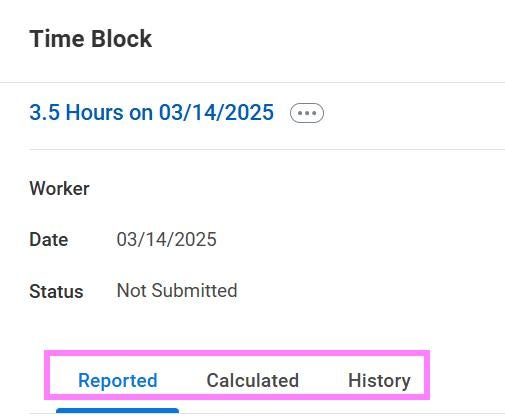
Note: You can click on the Reported, Calculated, and History tab to view more information about the submitted time.