- On the Workday homepage, click View All Apps and go to Time under Personal.
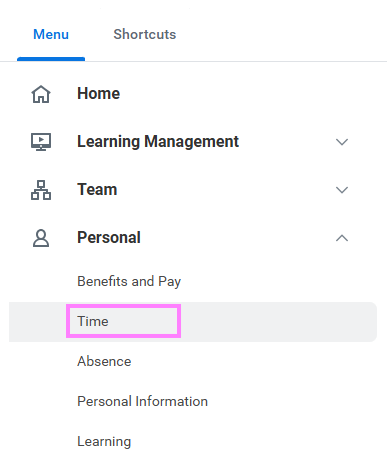
- Click Select Week under Enter Time.
- Select a date corresponding with the week.
- Click OK and your reported time will display on the calendar. Approved items will display with a green bar on the left side of the time block.
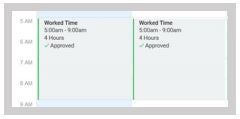
- Click the time block to edit the details, then click OK or Delete.