View your organizational chart
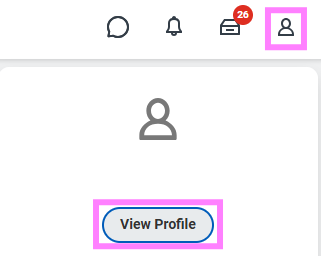
- Go to the profile icon and select View Profile.
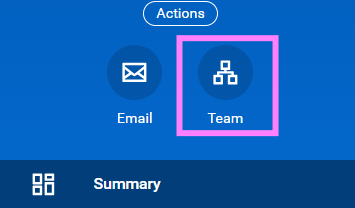
- Click on the Team icon (three squares in a circle) on the left-hand side of the screen.
- You can scroll up and down, or click the names in the top right corner to navigate through the management chain.
Note: Casual hires, students, definite term non-faculty and temporary hires (<1 year) may be grouped under the leader of the organization.
Export your organizational chart
1. Access your organizational chart through the profile menu (see instructions above).
2. Click the Printer icon.
3. Select your the File Format (Excel, PDF, PowerPoint).
4. Select how many Levels of the org chart you'd like captured.
5. You can check the Include Pictures option to include images that will download as a.zip file.
6. Click Print and then Download.