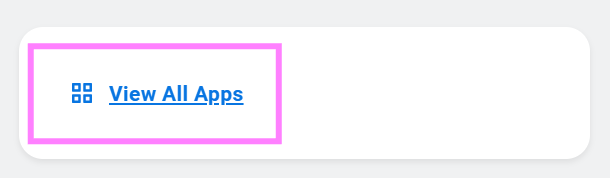
- From the home page, click View All Apps
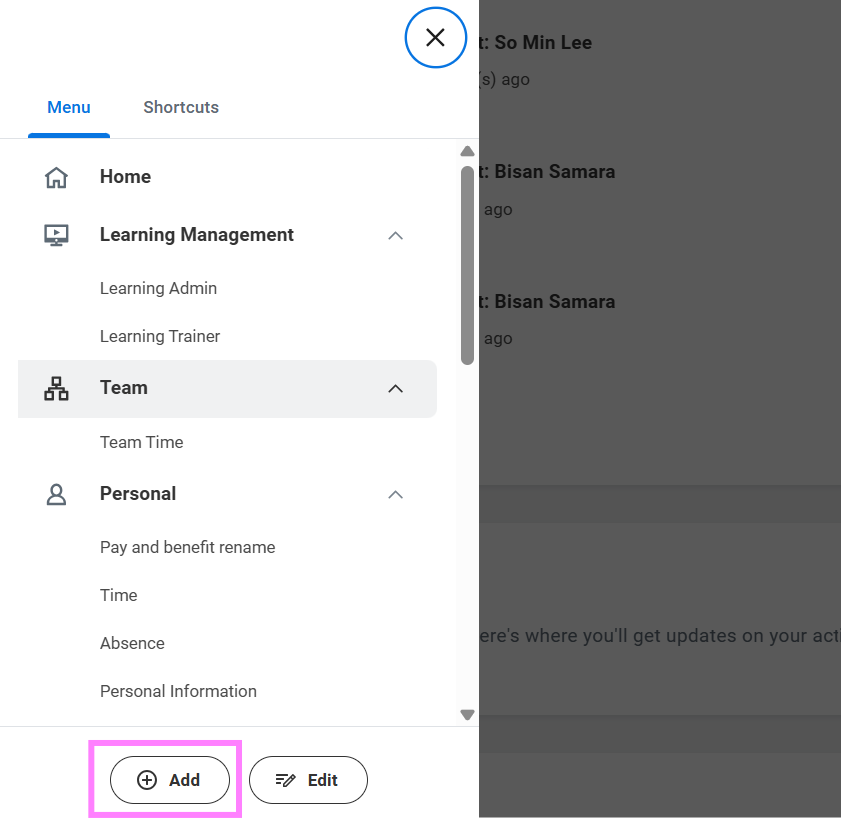
- Click the Add icon (plus symbol) at the bottom of the Application menu.
- Search for the app and click the Add Row icon
to add a new worklet.
- To remove an app click edit at the bottom of the menu. Click the Remove Row icon to remove an optional application from the home page.
- From the edit menu drag an app up or down to reorder the applications on the page.
- Click OK and Done.