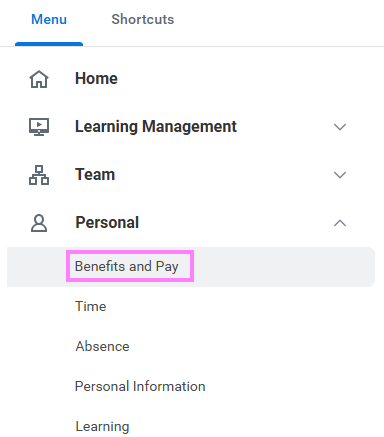
- On the Workday homepage, click View All Apps to go to Benefits and Pay under Personal.
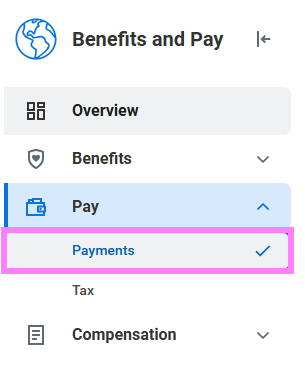
- Click Payments under the Pay section
- To print a payslip, click the Print button next to a payslip name. You can also save the payslip to your computer as a PDF.
- To print multiple payslips, click Print Multiple Payslips.