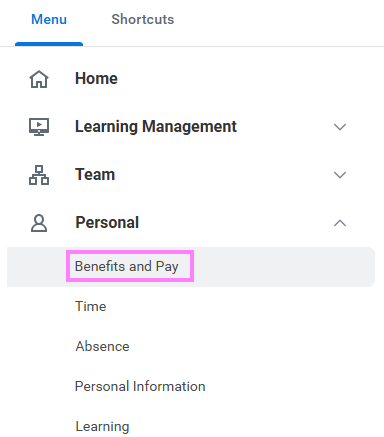
- On the Workday homepage, click View All Apps to go to Benefits and Pay under Personal.
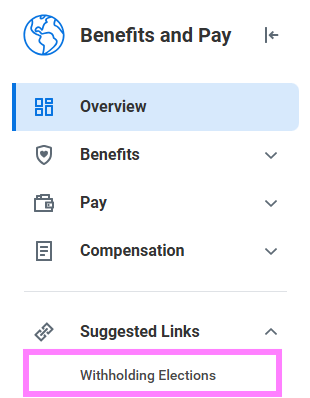
- Click Withholding Elections under Suggested Links.
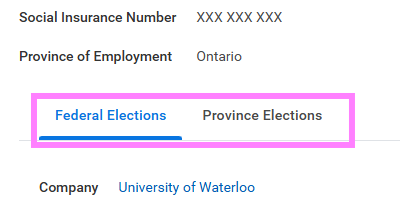
- Click the Federal Elections or Provincial Elections tabs to review your information. To update your elections, click the Update button at the bottom of the screen.