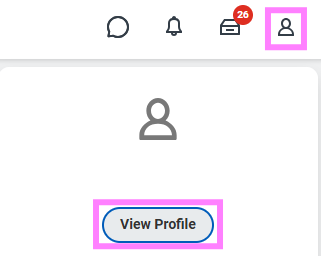
- Click on the profile icon and select View Profile.
- Click the Personal tab from your Worker Profile.
- Click the Documents subtab. This will allow you to download, view, or edit submitted documents.
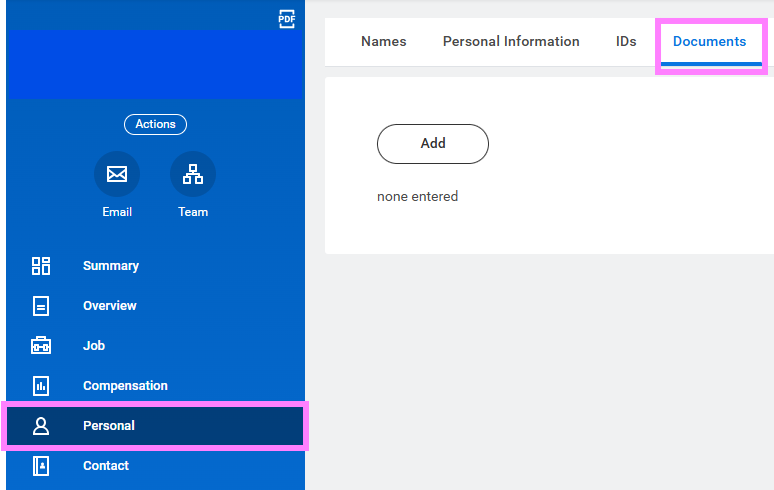
- Click Add to attach documents (example: proof of implied status) to your profile or Edit to make changes.
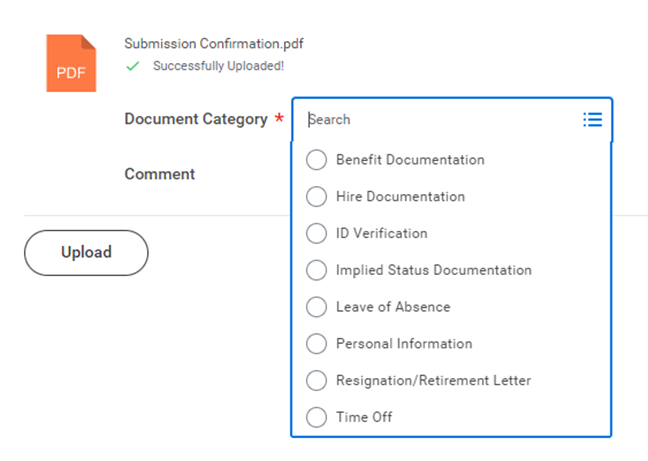
- Select the appropriate Document Category.
- Click “OK” to complete.