- Click on the profile icon and select View Profile.
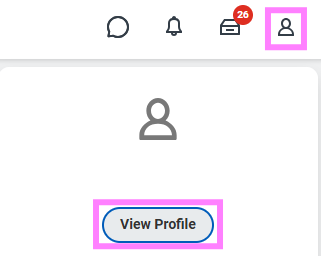
- Click the Actions button from your Worker Profile.
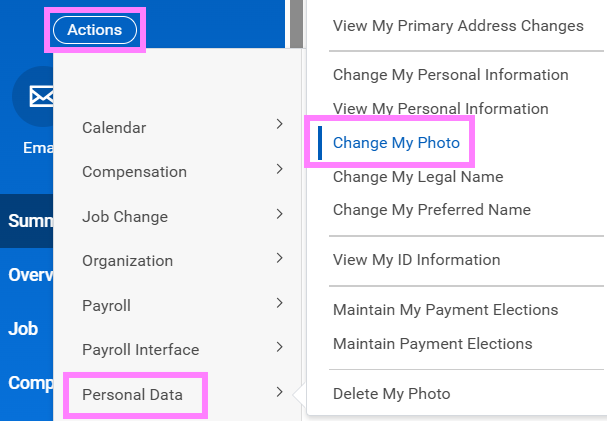
- Select Personal Data > Change My Photo.
- Click Select files to locate, crop and upload your image. You can also drag and drop the image directly into the Attachments section.
- Click OK and Submit.
Note: Supported file formats include .png, .jpg and .gif