Note: Managers will be notified of leave/time off requests through the Workday inbox.
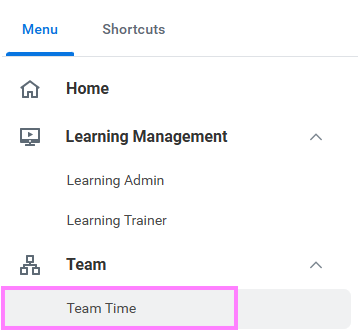
- On the Workday homepage, click View All Apps to go to Team Time under Team.
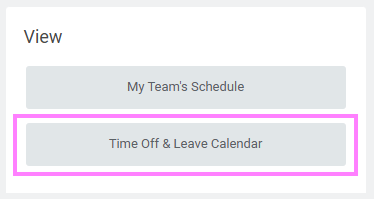
- Select Time Off & Leave Calendar in the View menu.
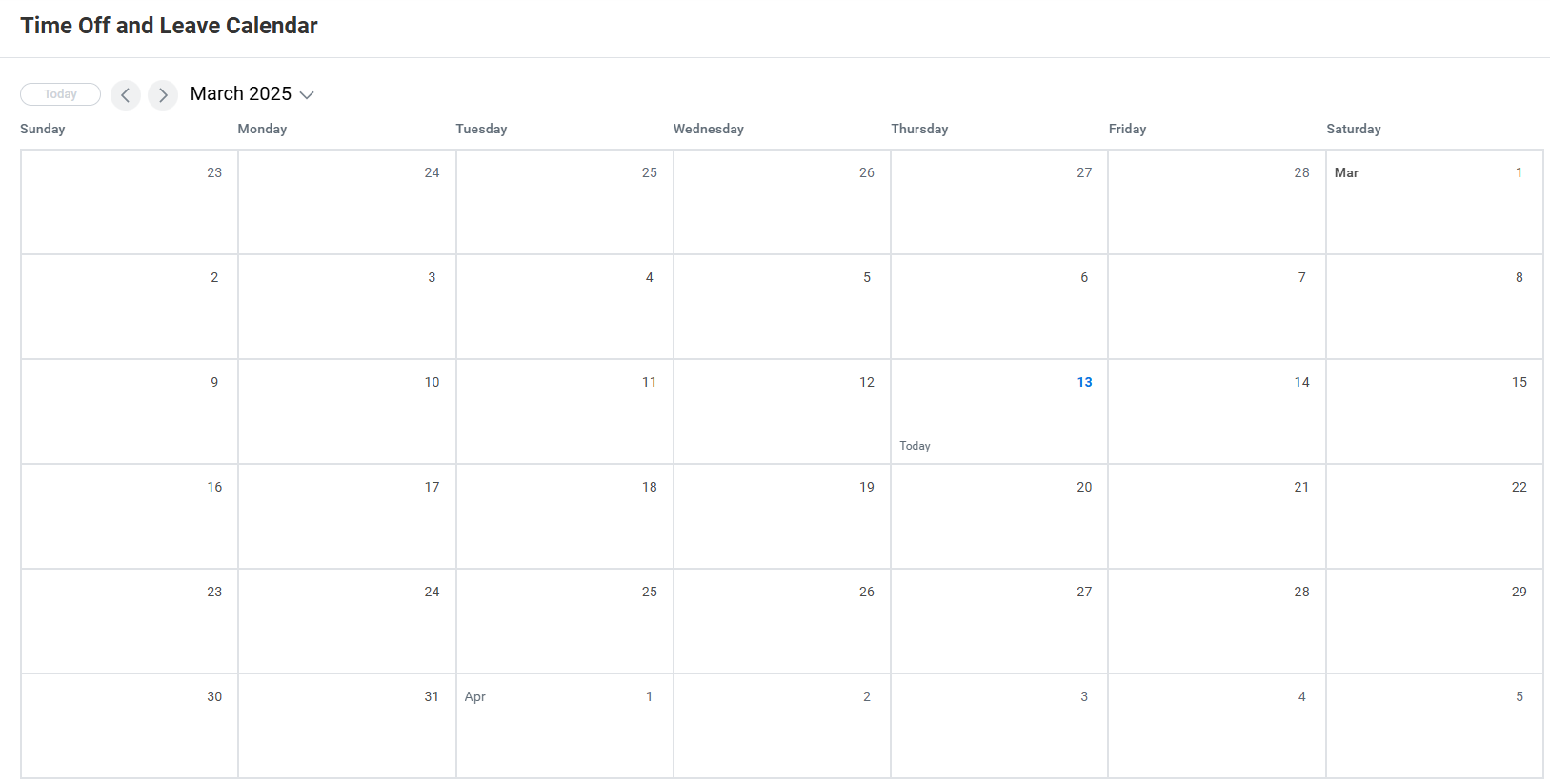
- Navigate to the month of the employee's request to view your team's current vacation schedule.
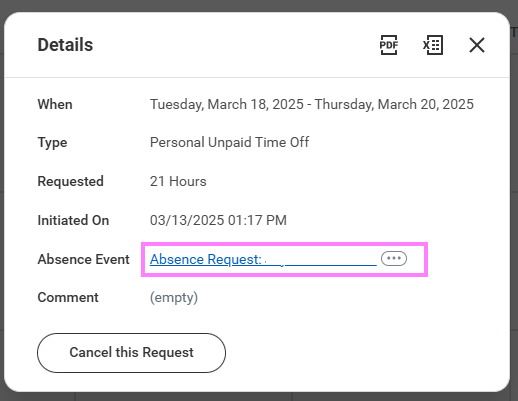
- Select the bar that houses the employee name to review details about the absence request.
- Click on the Absence Event that appears in the Details Chart.
- Click Review.
- Click the appropriate action to Approve, Deny, Send back, or Cancel to close out and save for later.