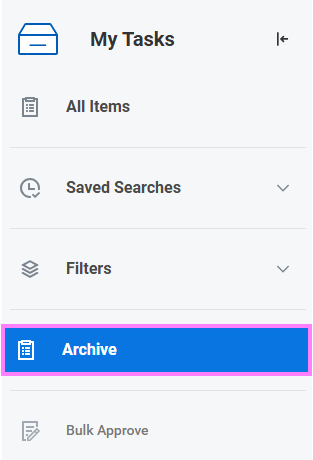
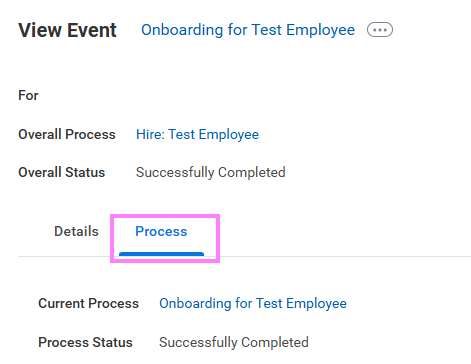
At the top right of the Workday screen, click on the My Tasks icon. Click on the Archive tab. Select the relevant request. Within the View Event screen, click on the Process tab to view the Process History.
At the top right of the Workday screen, click on the My Tasks icon. Click on the Archive tab. Select the relevant request. Within the View Event screen, click on the Process tab to view the Process History.