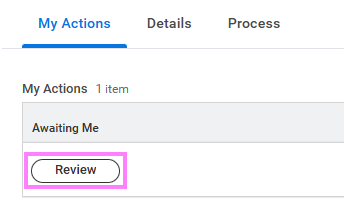
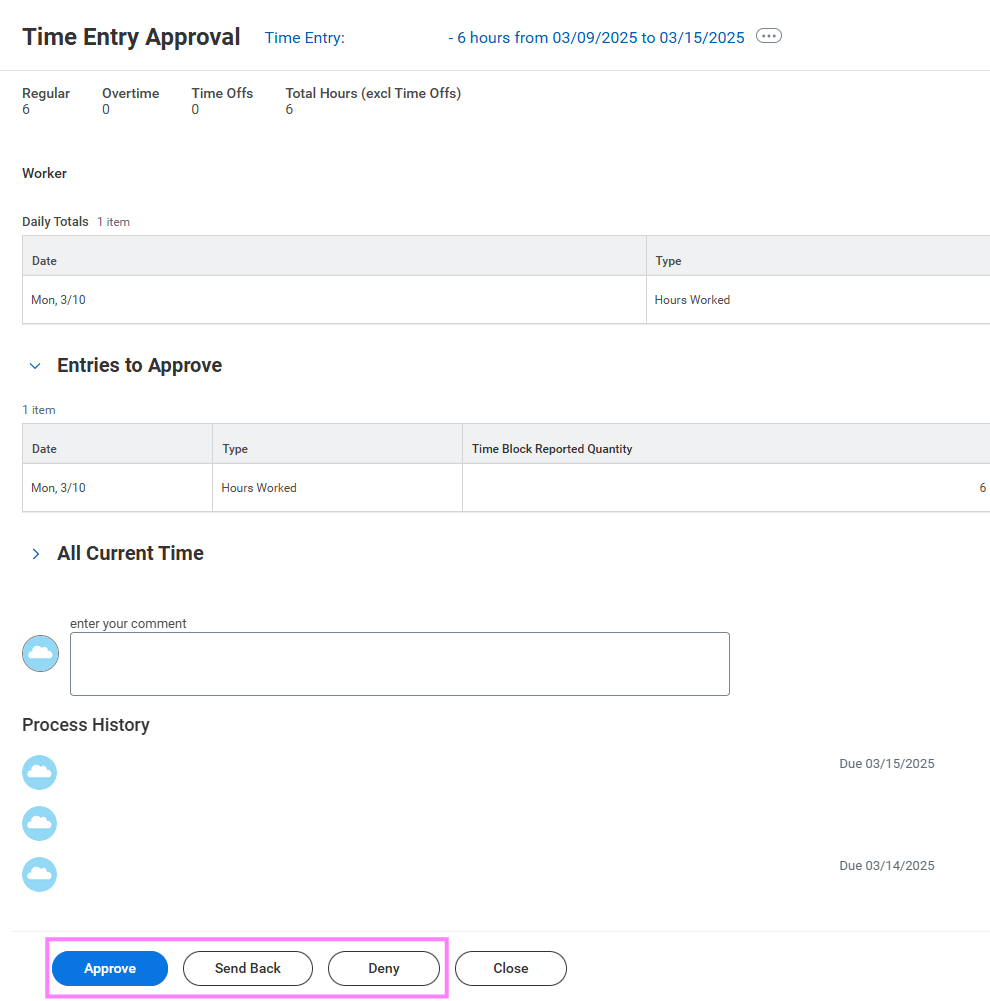
Submitted hours can be approved directly from the Workday inbox, or by following the instructions below to first view the compensation elements of the submitted time.
- On the Workday homepage, click View All Apps to go to Team Time under Team.
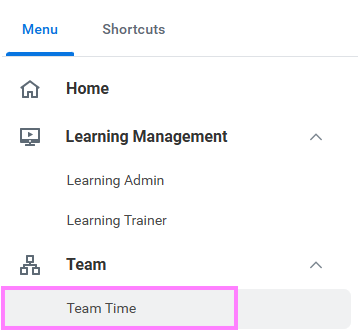
- Under the View menu options, select Time Entries for Manager Approvals or Time Entries to Approve for My Cost Center (for signing authorities).
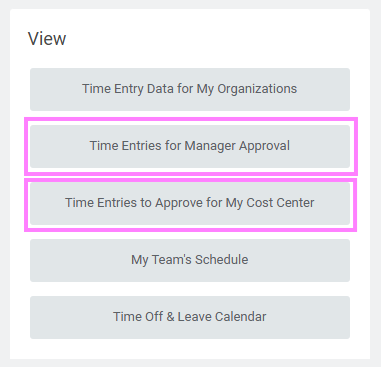
Note: These reports can also be accessed by typing the report name into the Workday search bar.
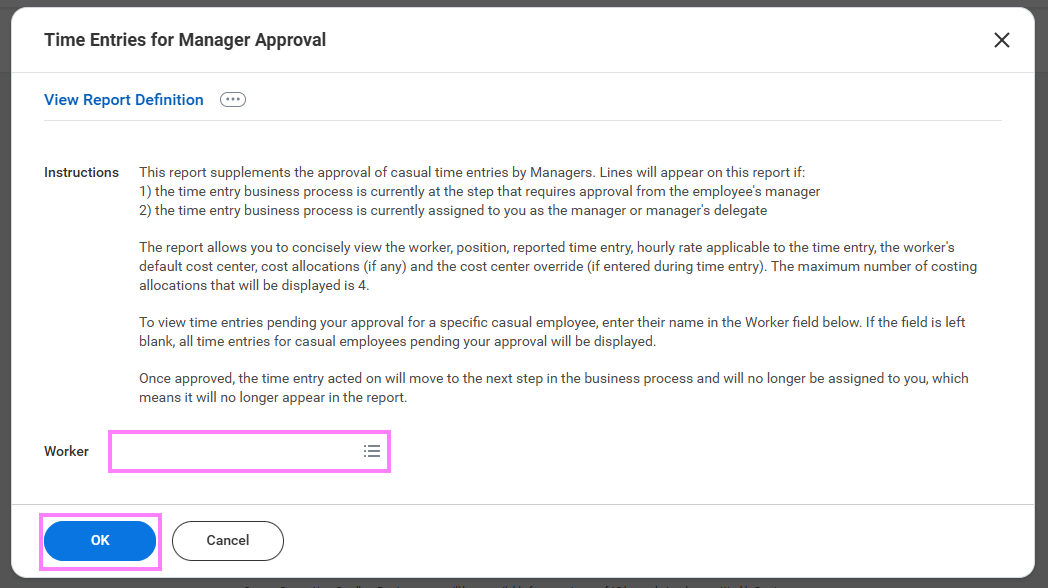
- Leave the Worker field blank to view all employees you have time entry approvals for, or enter a specific worker to view a narrowed list and click OK.
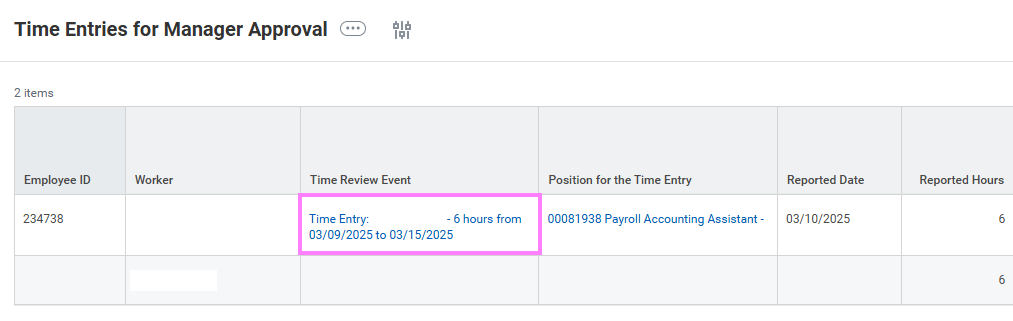
- Review the number of hours, compensation amounts and accounts (cost center).
Note: Multiple time entries for the same employee will have a total amount at the end of their list of entries.
- When ready to action the time entry, click on the Time Block – time review event in the second column.
- Click Review to bring up the approval screen and Approve, Send Back, or Deny as applicable.