Submitted leave of absence requests that have not yet been approved can be cancelled. Once approved, you must correct the request to cancel it.
- On the Workday homepage, click View All Apps to go to Absence under Personal.

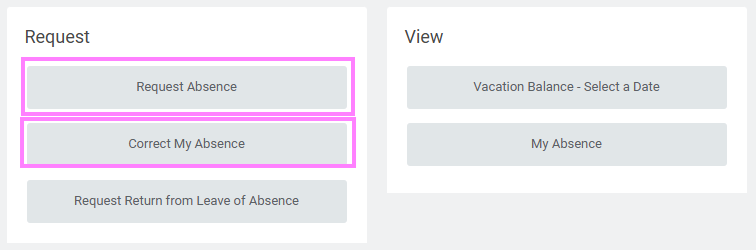
- Click Request Absenceor Correct My Absence under the Request section.
- Click the leave of absence entry on the calendar.
- Click the Absence Event's Related Actions (orange icon with three dots) that appears when you hover over Absence event details.
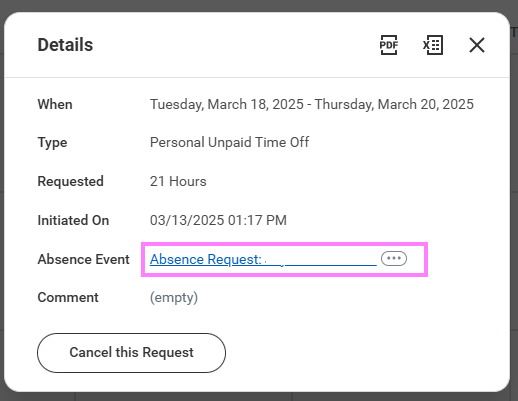
- Click Business Process > Cancel and enter a comment (this step is required for a cancellation).
- Click Submit, then Done. No approval is required.