- Type the employee name in the Workday Search bar and click the result that displays their name and position to navigate to their Worker Profile.

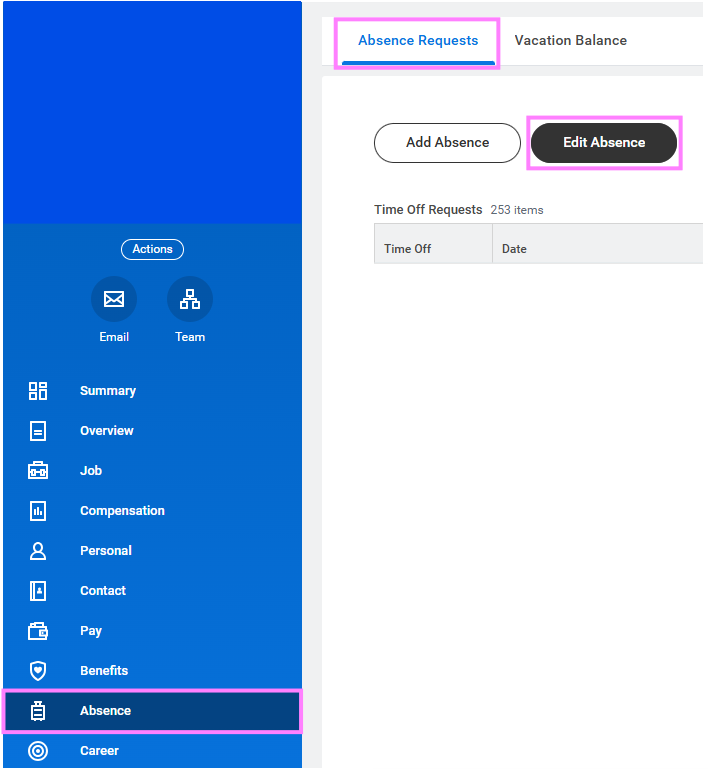
- Select Absence from the main menu on the left side of the Worker Profile.
- Click Edit Absence to go to the Absence Calendar.
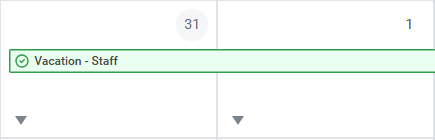
- From the Absence Calendar, click on the green bar associated with the time off/leave that you would like to edit.
- Select the dates to be corrected and make the appropriate edits.
Note: Days can be deleted within the chart and the Type and Quantity (number of hours) are edited in the fields below after selecting the days to be edited.
-
Once completed, click Submit to finalize the transaction.