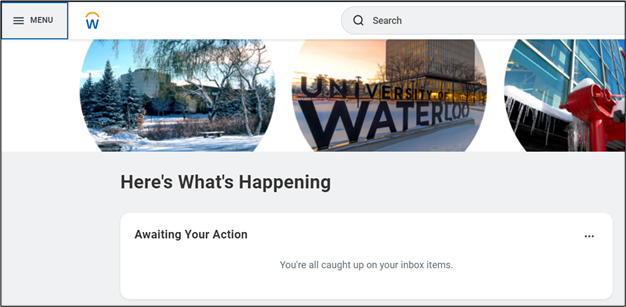
- On the Workday homepage, click MENU to go to the Learning application.
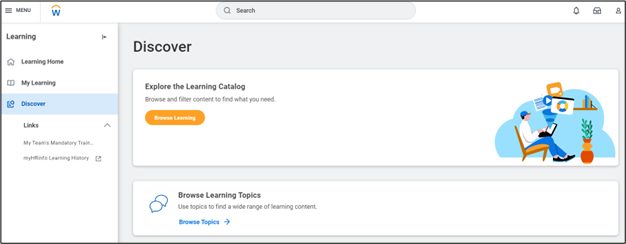
- Select Discover and Browse Learning to view all available courses
Note: You can filter your results using the filter options on the left side of the page or the type in the search bar.
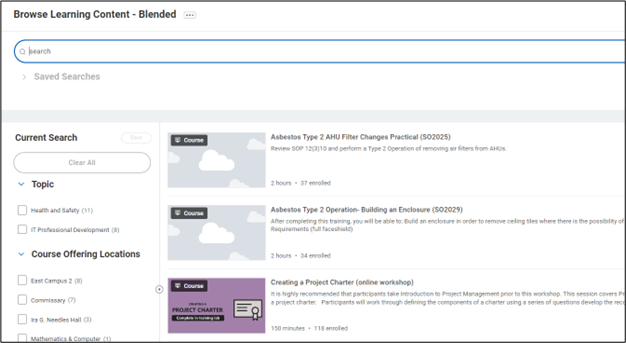
Note: Only courses with offering scheduled and have openings will be displayed.
- Select a course to enroll in by selecting the title.
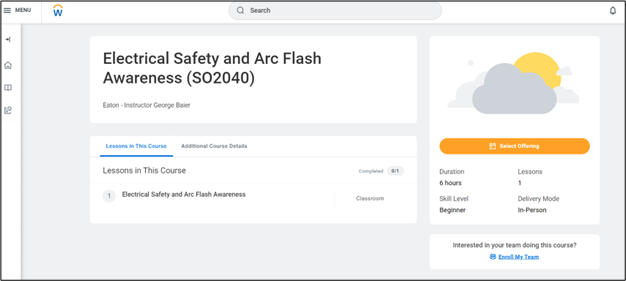
- Click Select Offering to see the dates the course will be held.
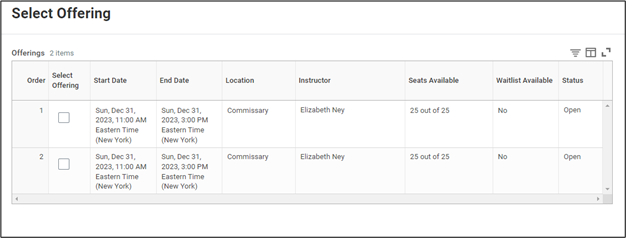
- Select the desired offering and OK.
- Click Submit, then Done. This task will be routed to your manager for approval.