- Click on the profile icon to select View Profile.
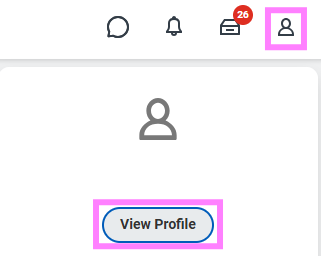
- Click Actions from your Worker Profile.
- Select Benefits > View My Benefit Statement
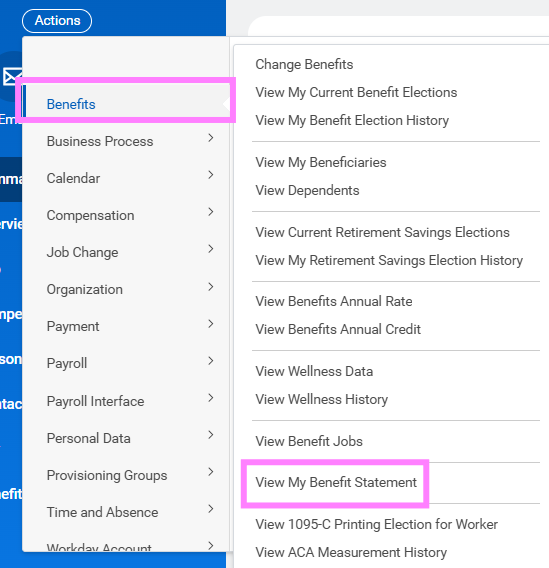
- Click the prompt in the Benefit Event field.
- Select the desired Benefit Event you would like to view and print.
- Click OK.
- Click the Print icon. The selected Benefit Event will open as a PDF document, which can be saved and printed.