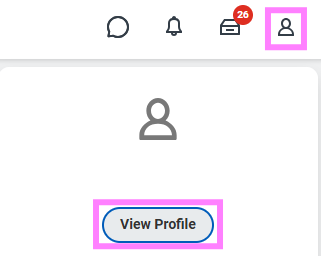
1. Click on the profile icon and select View Profile.
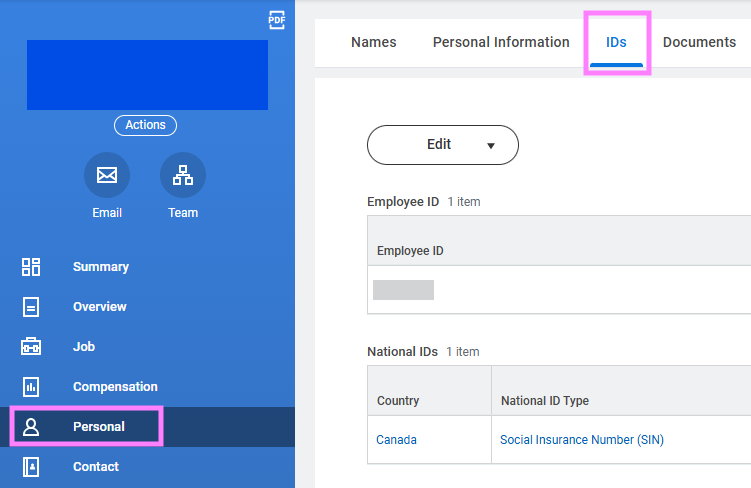
2. Click the Personal menu tab and then click the IDs subtab.
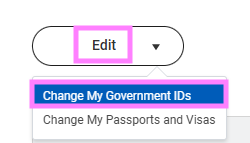
3. Click the Edit button and select Change My Government IDs.
4. Enter your new SIN in the Add/Edit ID field. You may also need to update the Expiration Date field, if applicable.

5. Click Submit.