View compensation rates and default accounts for casual staff
Use the Time Entry Data for My Organizations report to view employees’ default hourly rates and default accounts prior to entering their time.
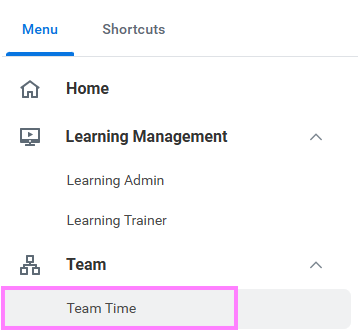
- On the Workday homepage, click View All Apps to go to Team Time under Team.
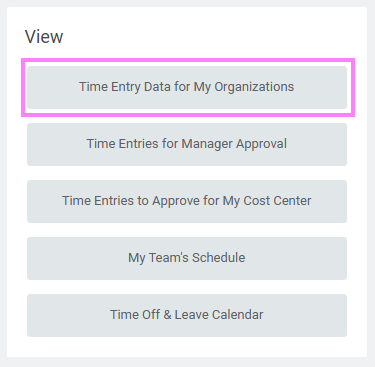
- Under the View menu options, select Time Entry Data for My Organizations.
Note: This report can also be accessed by typing the report name into the Workday search bar.
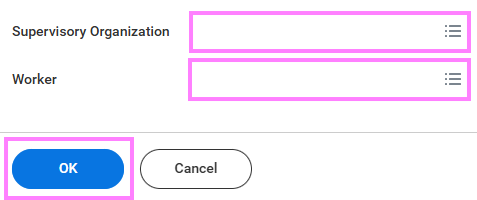
- Leave the Supervisory Organization and Worker fields blank to view all employees you have time entry access for, or enter a specific organization(s) or worker(s) to view a narrowed list and click OK.
- For each employee, view the employee ID, position(s), supervisory organization, rate, and default accounts to know whether or not the rate or account needs to be overridden when entering time.
Tip: Export this report to Excel by clicking the Excel symbol above the table or duplicate the tab (right click the browser tab and select duplicate) to have the report open in another window while performing time entry.