Introduction
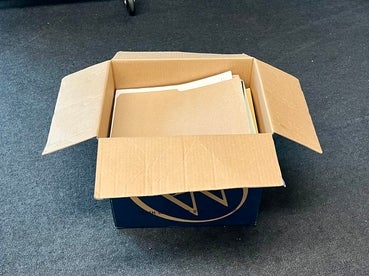
As the Computer Museum Assistant, cataloguing is naturally a key part of the job. Although I had no previous experience, I had the chance to learn the process hands-on. I was given a box full of APL material, donated by Math alumni Paul Hansauld, and was tasked with cataloguing the whole lot (which includes a future donation we are expecting from him). I assumed that the process would be straightforward but quickly found that it was much more intricate than I initially thought.
The Process
When cataloguing, there's a lot of critical information: title, lot, related entities (an entity is normally the individual who donated the lot, or the museum staff who documents it), date, description, storage location, associated media and related vocabulary (this is a restricted set of tags to classify the artifact).
For books and manuals, like the majority of this lot that I started with, finding a title was easy enough. Dates were also generally straightforward, as the publication year was often printed inside the cover. This wasn’t always the case, however. Certain items seemed to have multiple dates, with no clear indication of what each might represent. Some artifacts did not have any dates at all, in which case I had to use contextual clues to estimate. Then came the description, which I found took most of my time.
Writing Descriptions
I started out quite slow when writing descriptions. While I have had some past experience with programming, I wasn't familiar with APL, but was still important to provide accurate and in-depth descriptions. This led me to carefully read through each artifact's contents, so that I had a more full understanding.
Once I felt comfortable enough with the material, I then started writing. I wrote quite lengthy descriptions as I wanted visitors to be able to get a good sense of the content. Normally, due to copyright concerns, the museum can only scan and upload the front and back covers of books and not every page inside. But summarizing everything became problematic when with much longer text-based items and books. My already slow process became significantly slower. But I discovered that the summaries I wrote were similar to the ones the authors tended to provide already, such as in their own introductions. Realizing this, I changed my approach to only identify and read through key information to create a description. I was able to become faster and more concise, without worrying so much about having lengthy and highly detailed writing, especially if I found that the original text was available somewhere else online (in which case I would add a link).
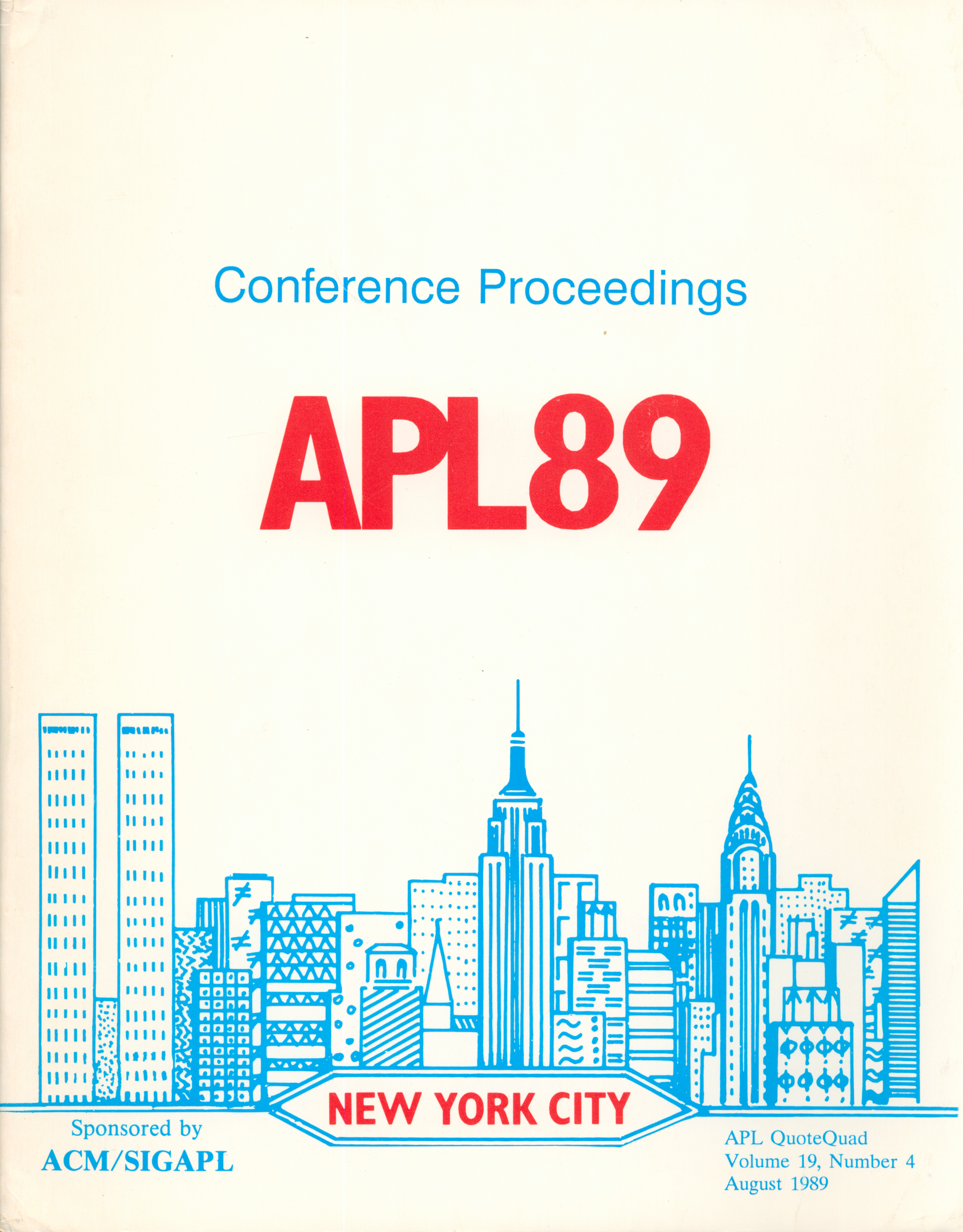
Conference proceedings that were available online, found in our catalogue
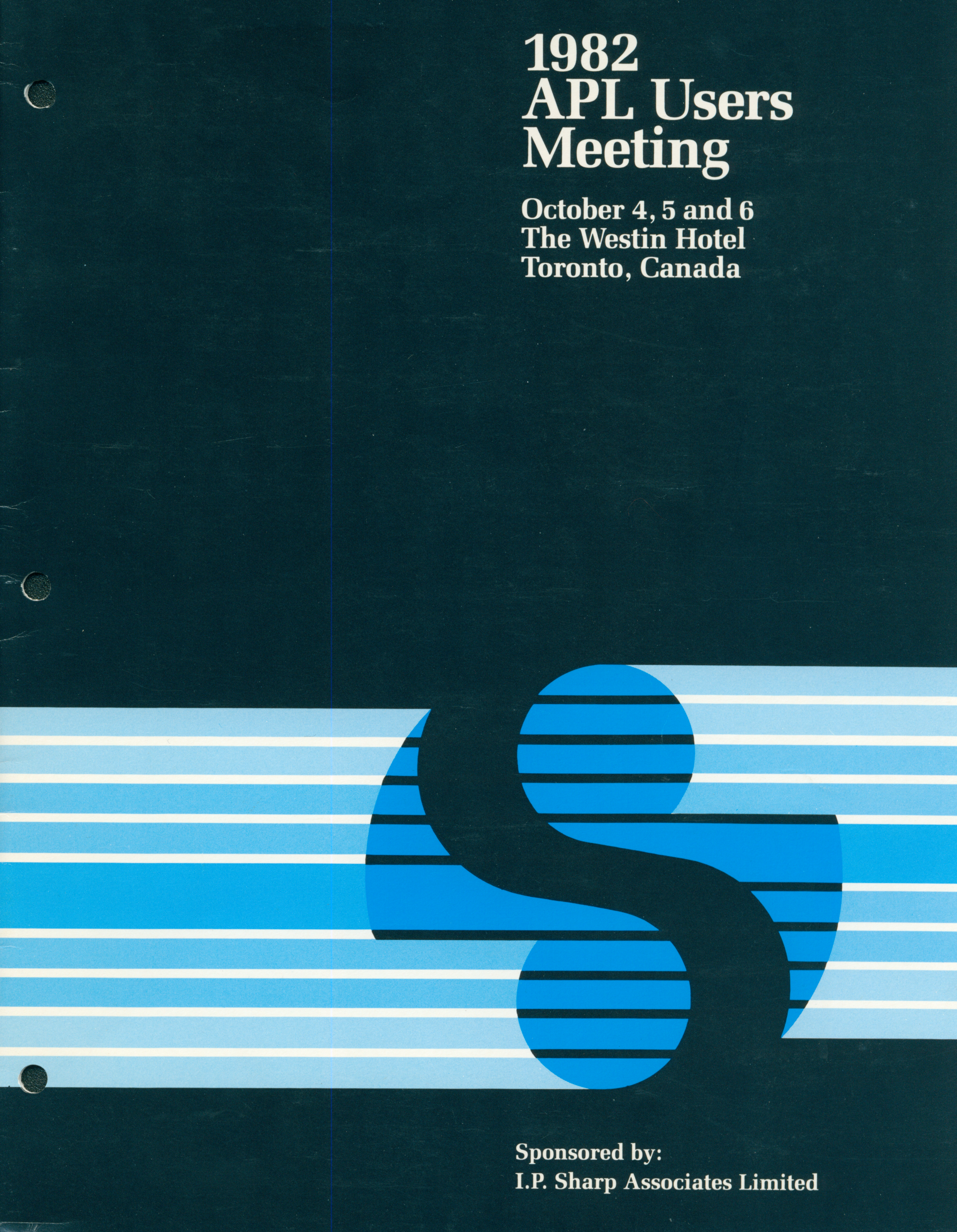
One of the artifacts that the scanner struggled with, found in our catalogue
Scanning Artifacts
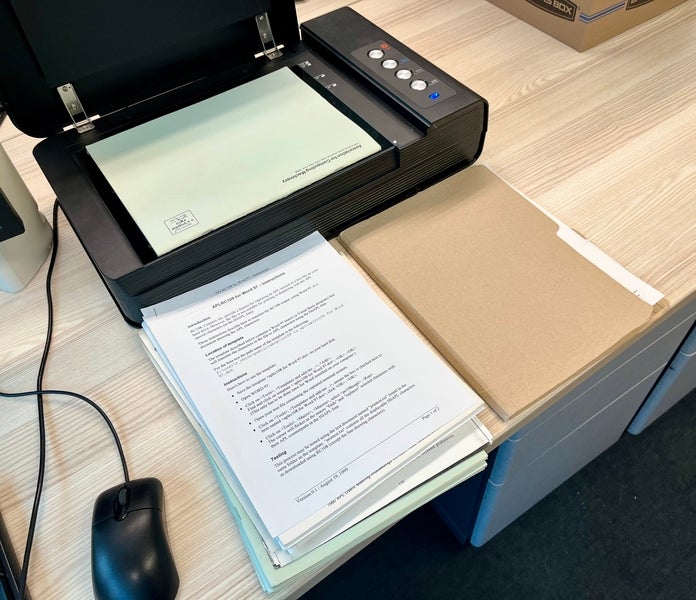
The next important part of the cataloguing process is scanning (or photography, depending on the artifact type). It’s pretty easy: you take a scan of the front and back of an item, and the software automatically takes care of the cropping. That is, until, it doesn’t. I found that the scanner struggled particularly with darker coloured covers. It would crop out almost everything, thinking it was a part of the background.
Once, all I was left with after scanning was small PNG of a single barcode, which was admittedly quite funny. However, I did eventually find a fix after playing around with the settings: once auto-crop was turned off, you could then adjust the cropping manually from a scan preview. You had to be extra careful with the item’s alignment as the auto deskew option only worked if you had auto crop enabled (although I found that generally the deskew didn’t even help much when I used it).
Storage
After all the related information regarding an artifact was catalogued, then came the problem of storage. Firstly, it was important to mark down the item’s ID on it in a way that was removable. For the APL material, as they were paper, this was done by lightly writing it down using an HB pencil on the inside cover.
After the item’s ID is marked, you can then set it aside. Once all artifacts in a set have been catalogued, the sorting process for storage begins. Generally, you want to keep similar items together, especially if the donor deliberately put certain them together (in a folder, for example). Other than that, how they are sorted is up to you. For periodicals like the APL Quote Quad, I found it best to sort them by date. For other items, such as manuals, dates weren’t always present, so in their case, I sorted alphabetically.
When it came to stacking everything in a box I tried to be careful to have heavier items at the bottom and lighter ones on top so that nothing would get crushed or damaged. In the end, it all comes down to using space efficiently, and making sure that all items are securely stored and easy to find.
Final Thoughts: A "language for the future"
Overall, this process has taught me a lot. While I initially assumed the cataloguing process to be objective, I found that it was actually quite subjective.
While I assumed lengthy descriptions were better, I came to realize shorter and more precise writing can often convey the same information but in an easier to read way, while also saving time on my end.
I found that I quite enjoy the process of cataloguing. While it may seem like a repetitive process of just noting down basic information about artifacts, it felt like an exploration of the past. As I worked through the different items, I started to make some observations: repeating names, companies and events. With this I began piecing together information surrounding the APL community around the 70s-90s. It was like putting together a puzzle to get a glimpse into the past into a whole culture built around a programming language. There was a sense of hope and optimism for APL’s usage as a "language for the future”, and an excitement for new developments, all rather bittersweet considering that you don’t really hear about it now.
While I've finished cataloguing Paul Hansauld’s APL current material collection, I hope to bring what I've learned into my future work and continue approaching everything with a sense of curiosity.
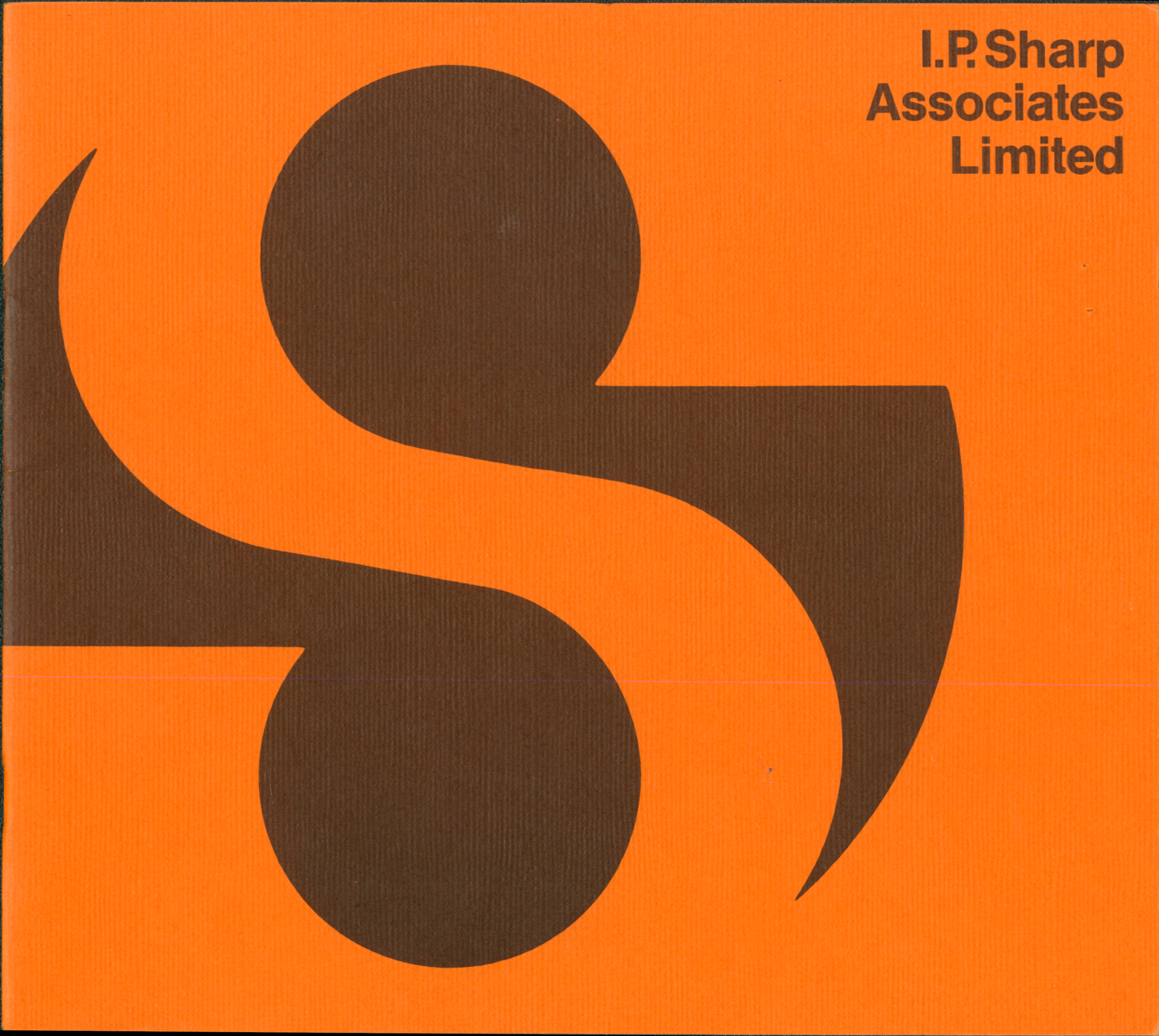
The cover item of the collection, an I.P. Sharp Associates Limited Brochure, found in our catalogue
About the Author
Anna is a Computer Museum Assistant for the Fall 2025 term, from the Global Business and Digital Arts program. She enjoys art and design, and has a particular interest in the history and development of 3D graphics, especially for the use in video games.