Renison University College does not encourage or support sending an international payment using a third-party payment service other than Convera GlobalPay. If you choose to use an unauthorized payment service, Renison University College is not responsible for any issues you may experience, such as:
- a delay in the arrival of the payment
- tracking the payment
- refunding the payment
Please note, we do not provide our banking information to students.
Please allow 14 days for an international payment to arrive.
Before making your payment, please review the cancellation and deferral policy for your program.
International payments using Convera GlobalPay for Students
We proudly partner with Convera to offer you a simple, secure, and smart way to pay your tuition, deposits, and student fees. Convera’s platform (GlobalPay for Students) is trusted by 900+ institutions worldwide to enable payments in 140+ currencies across 200+ countries and territories
Pay your fees with Convera: https://students.convera.com/renisonuniversity#!/.
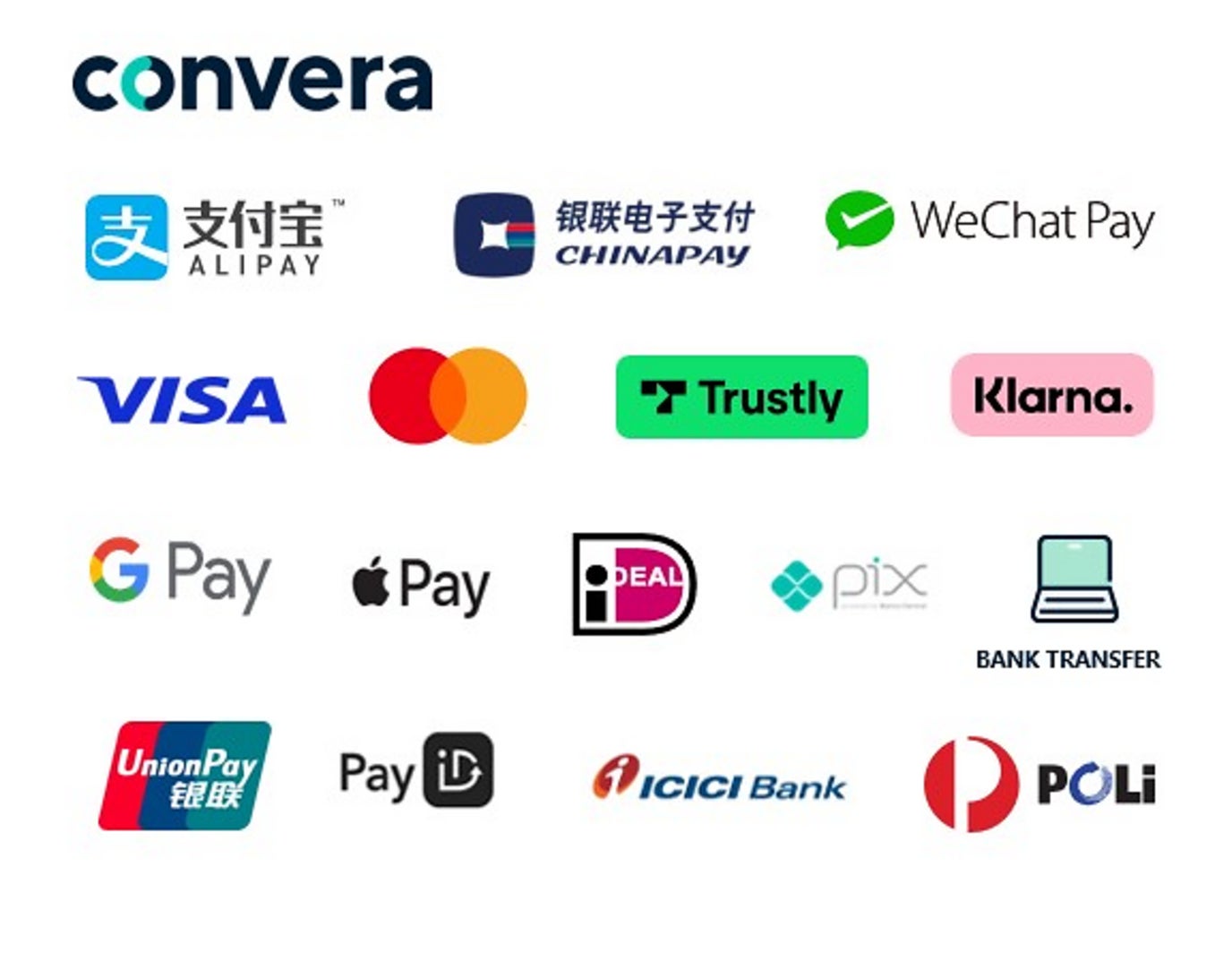
Why choose Convera GlobalPay for Students
- Large and trusted global network
- Competitive costs and FX rates
- Secure and reliable platform
- Extensive experience and support
- Real-time payment tracking capability
- Get access to payment status instantly online using our payment tracking tool
Step by Step Instructions for Convera GlobalPay for Students
To complete your payment, you will need your application ID number from Renison International Programs. When you submit an application, we will email you with an application ID number. If you did not receive an application ID number, please contact renison.ip@uwaterloo.ca.
Step 1: Visit the GlobalPay website
On the GlobalPay website, you will be asked to enter the payment amount and the country you are paying from.
Step 2: Choose a way to pay
GlobalPay will give you one or more options for paying your fees. Choose the option that works best for you.
Step 3: Enter the student's details
Enter the student's details, including application ID or student ID number, name, and email address.
Step 4: Enter the payer's details
Enter the information of the person who will be making the payment, including name, email address, and billing address.
Step 5: Complete your payment
GlobalPay will direct you on how to complete your payment. Most payments can be made online, but instructions will be provided for payments that must be completed in-person at your bank.
Pay your fees with Convera: https://students.convera.com/renisonuniversity#!/.
If you have questions about your payment using Convera, please email the Convera Support Team . Be sure to include your full name and Student ID number in all communications.
Convera How to Pay Videos
Student How to Pay - French Canadian
Student How to Pay - Cantonese