The creation of a Collaboration Framework is a strategic initiative of the Faculty of Mathematics to give students clearer guidelines on the amount of collaboration permitted in a course. Below are the different levels of collaboration that may be permitted in a course, best practices for students, and suggestions/resources for instructors to better incorporate collaboration.
This website was last updated Winter of 2026.
Introduction
The suggested levels for collaboration are as follows. An instructor may permit different levels of collaboration depending on the assessment type, and may also vary collaboration expectations between individual assessments of the same type. For ease of use, icons to represent each level were created, shown below in the collapsible section. This framework refers only to peer-to-peer collaboration — to learn more about permissible collaboration with AI, visit the Artificial Intelligence in Math Assessment site.
| No Collaboration | Discussion | Co-Authorship (Individual Submission) | Group Work (Joint Submission) | |
|---|---|---|---|---|
|
No Acknowledgement |
0 No collaboration permitted whatsoever. Examples: Tests, Midterms |
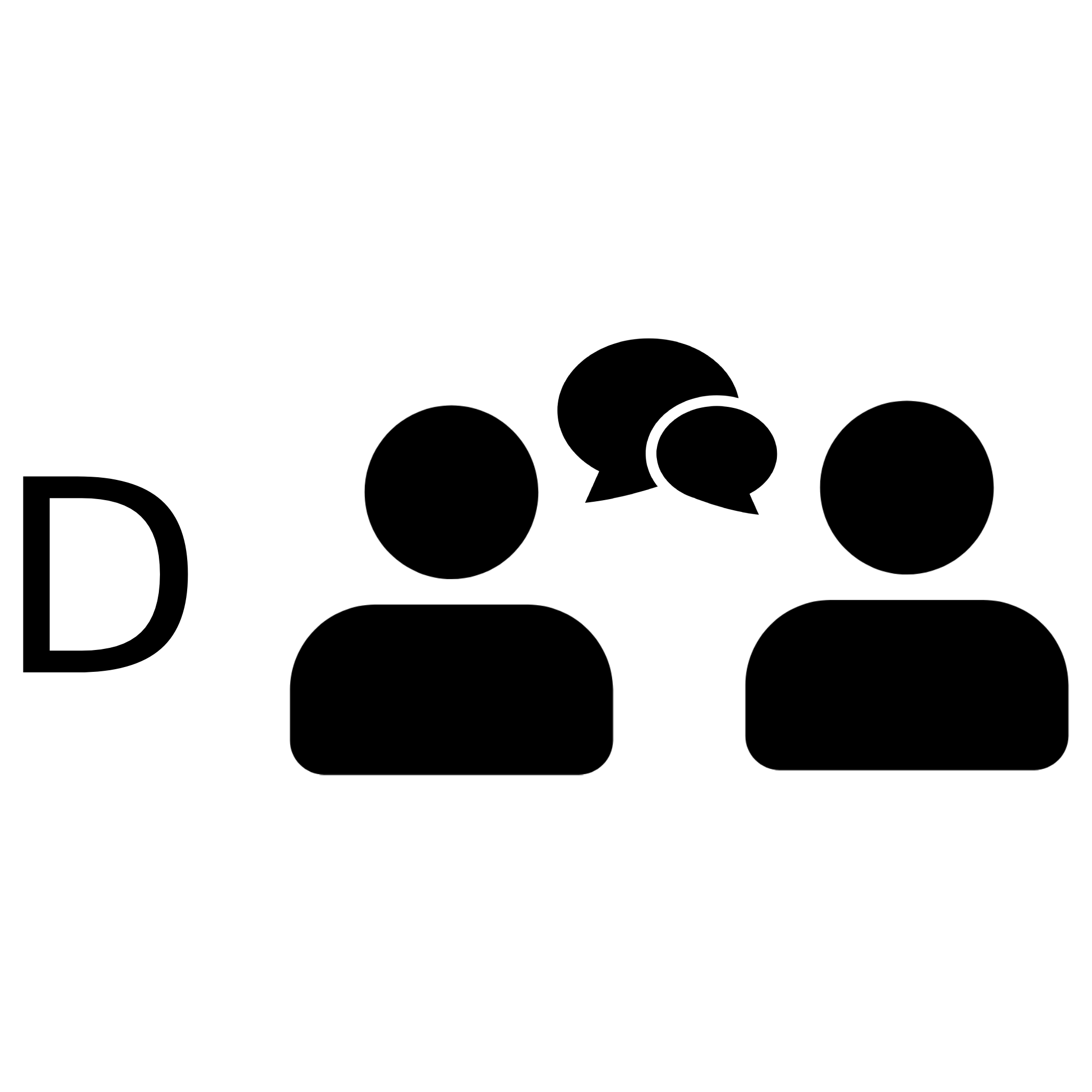
D Students can feel free to discuss questions/code strategy with peers, but may not write any solutions down together or share previously written solutions. Examples: In-class activities, Assignments, Discussion posts |
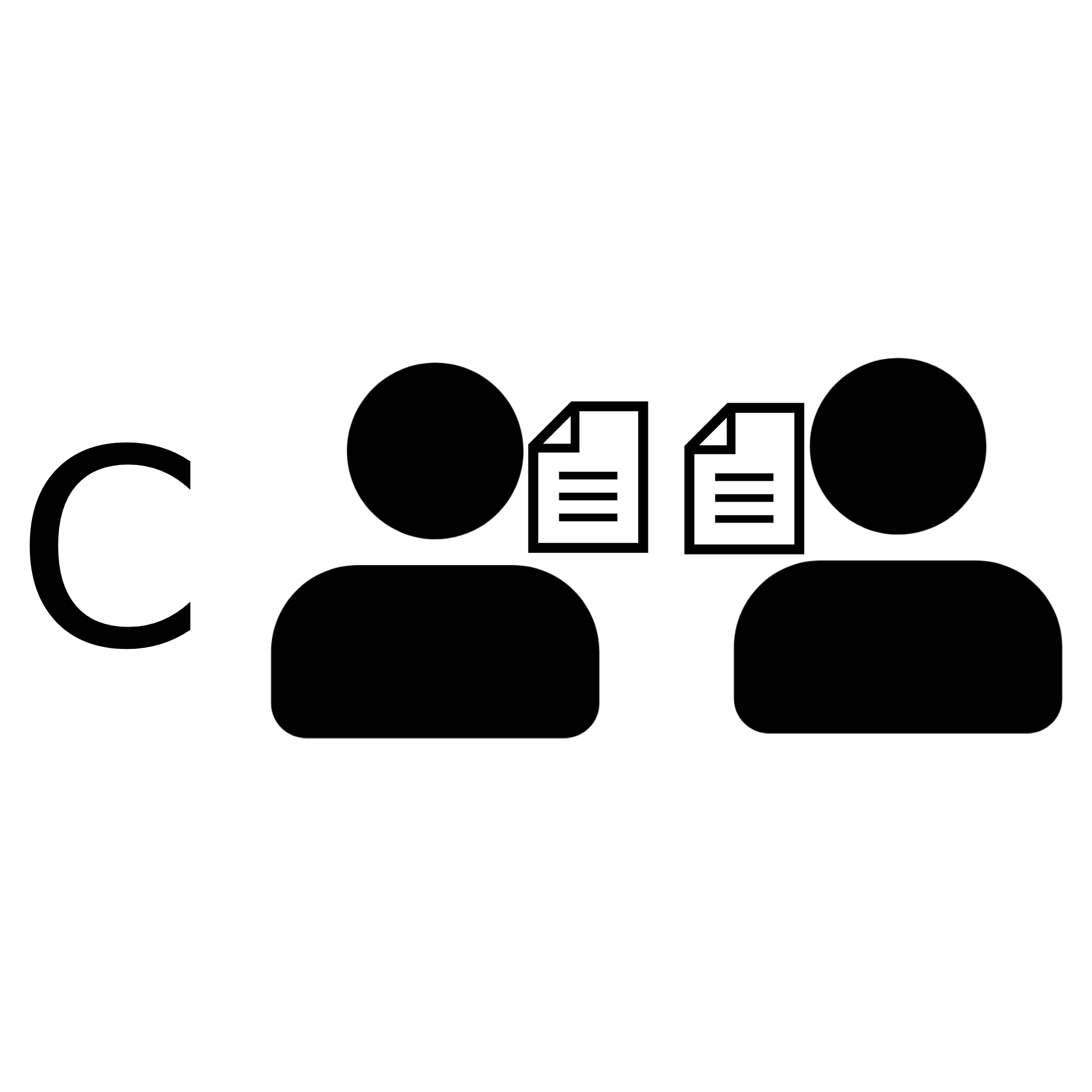
C Co-authorship is allowed, but not required. Students can work together to create solutions and code, but submissions are individual. Examples: In-class activities, Assignments |
n/a |
| Acknowledgement | n/a |
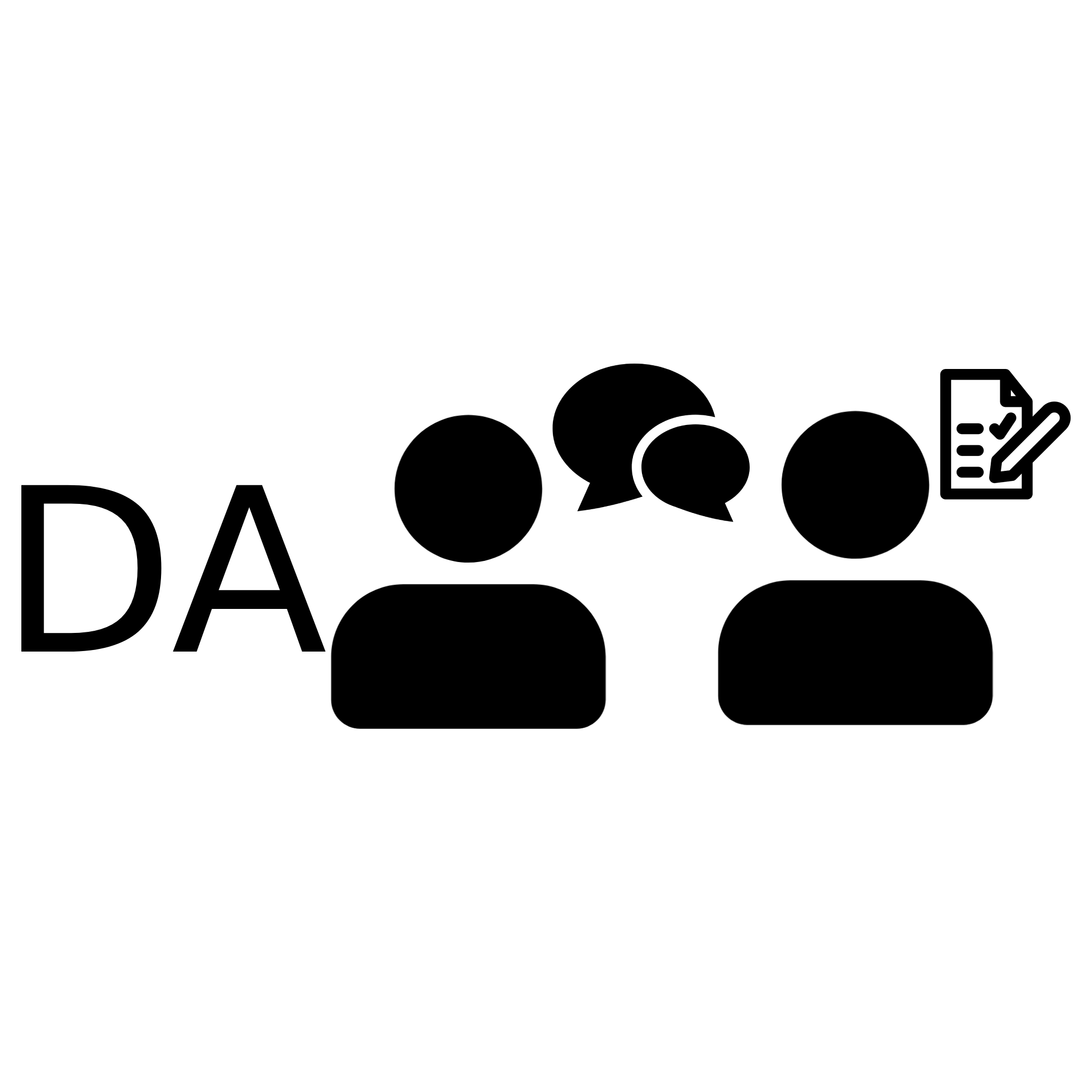
DA Students can feel free to discuss questions/code strategy with peers, and ensure to note who they collaborated with on their assessment. Additionally, students may not write any solutions down together or share previously written solutions. Example: In-class activities, Assignments |
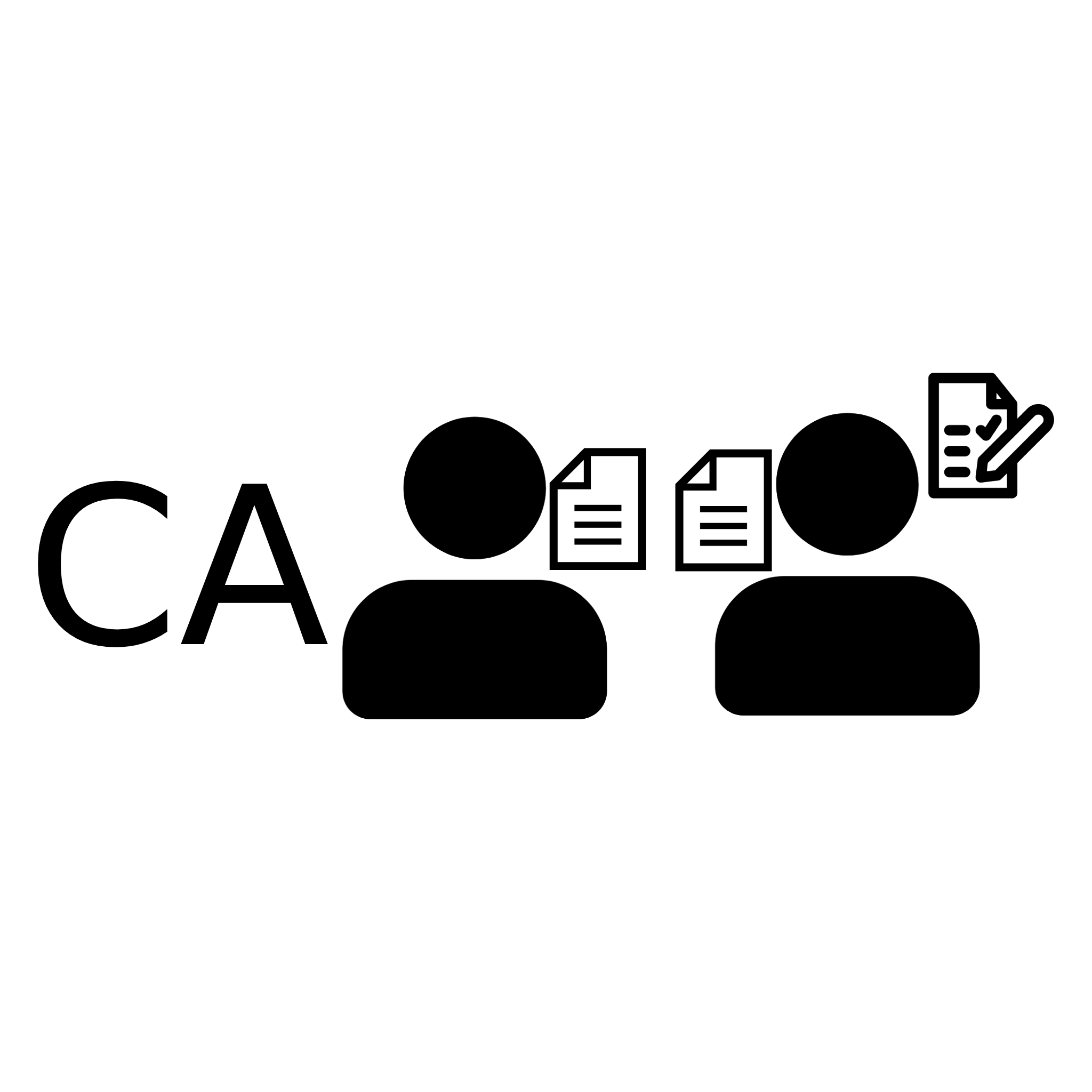
CA Co-authorship is allowed, ensure to note who you collaborated with on your assessment. Students can work together to create solutions and code, but submissions are individual. Examples: In-class activities, Assignments, Two-Stage Quizzes/Tests |
G Students may optionally get into pairs or groups for the assessment. If you work in a pair/group, make one submission together. Examples: In-class activities, Assignments, Projects |
| Required | n/a |
DR Students must discuss with peers. Examples: In-class activities, Discussion posts |
n/a |
GR Students are required to complete and submit the work in groups. There may or may not be a peer evaluation and/or individual grades. Examples: Projects, In-class activities |
Below are some icons (inspired by Creative Commons) to represent the different permitted levels of collaboration. These may be used in course outlines as a quick way to indicate which level is allowed. A custom level has been added to the icons so instructors may use some form of collaboration that is not exactly outlined in the framework.
Collaboration Framework Icons

No Collaboration Permitted

Dicussion Permitted

Co-Authorship Permitted

Discussion Acknowledged

Co-Authorship Acknowledged

Group Work Permitted

Discussion Required

Group Work Required

Custom Collaboration Level


Benefits of Collaboration
Below are just some of the found benefits of incorporating collaboration into learning
Group work helps students with:
- Communication skills
- Critical thinking
- Conflict management
- Networking abilities
- Giving and receiving constructive criticism
- Preparing for being part of a team in the workforce
- Reducing the feeling of isolation in a course
- Improving engagement in lecture material
- Better recognition of errors made (more commonly caught by other students)
- Reducing anxiety surrounding tackling a difficult problem
- Overcoming imposter syndrome
Addressing common concerns about collaboration
Incorporating collaboration into your course may come with some potential concerns. We have compiled some of these common issues, and some resources/solutions that can help you overcome them!
| Concern | Solution |
| Group dynamics |
|
| GenAI |
|
| Fairness in marking/giving appropriate grades |
|
| Want to ensure students experience productive struggle |
|
| Student/TA unfamiliarity with group work |
|
| Accessibility of collaboration |
|
| Equitable opportunity to participate |
|
| Physical classroom space is not suitable for collaboration |
|
EdTech Resources for Collaboration
There are many technologies already made available by the University that could assist in lowering the barrier to incorporating collaboration in your courses. Below is a summary of some of these EdTech resources and how they could be help facilitate collaboration.
| Resource | Description |
| Bongo Video Assignments |
Supports group assignments both online and in person |
| Crowdmark |
Allows seamless marking for group assignments, and proctored group assessments |
| iClicker |
Allows a “group mode” where students can work in teams |
| PebblePad |
Has group functionality, but does not sync with Learn groups |
| peerScholar |
Can be used to give peer evaluations for group work |
| Perusall |
Can be used for collaborative reading and annotating of class readings |
| Piazza |
Can get opinions and answers from instructors and other students about course material |
| Vevox |
Supports interactive team quizzes |